

GSC most commonly stands for Google Search Console, a free tool Google offers to help website owners track how their site performs in search results. It shows what search queries bring people to your site, how your pages rank, and whether Google can properly crawl and index your content.
That’s the meaning you’ll run into 90 percent of the time if you saw the term in an SEO, marketing, or web development context. But GSC does have a couple of other meanings depending on where you encountered it, and we’ll cover those too.
Quick Answer
GSC = Google Search Console in almost every digital marketing or SEO context. It’s a free platform that reports on your website’s visibility in Google Search, flags indexing issues, and shows the exact search terms driving traffic to your pages.
Other uses of the acronym exist (Georgia State College, Girl Scout Council, general “system control” abbreviations in tech manuals), but if you searched this term after reading about SEO, analytics, or “check your GSC,” it almost certainly refers to Google’s tool.
Click To Read : HY Meaning
What Google Search Console Actually Does
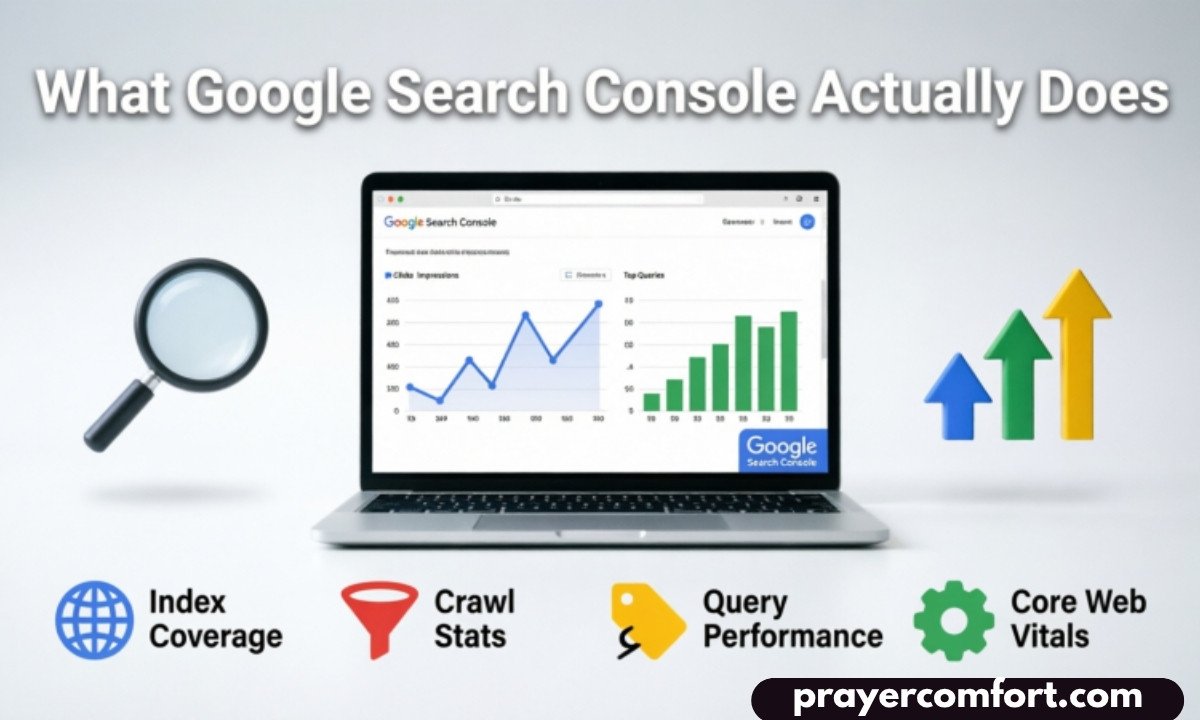
Google Search Console used to be called Google Webmaster Tools before Google rebranded it in 2015. The rename wasn’t just cosmetic. Google expanded the tool’s features around the same time, shifting it from a passive reporting dashboard into something website owners actually use to diagnose problems.
At its core, the platform answers three questions:
- Can Google find and read your pages?
- Which of your pages are showing up in search, and for what queries?
- Are there technical errors stopping your content from ranking well?
You connect it by verifying ownership of a website, usually through a DNS record, an HTML file upload, or a Google Analytics link. Once verified, data starts populating within a day or two, though full historical trends take longer to build up.
If you manage a blog, an online store, or any site that depends on organic traffic, this dashboard becomes one of the first places you check when something looks off, like a sudden drop in visitors.
Read Also : BFFR Meaning in Text
Why the Term Shows Up So Often in SEO Conversations
Anyone doing search engine optimization work references GSC constantly because it’s one of the only tools that shows data straight from Google itself, rather than estimates from a third-party crawler.
Tools like Ahrefs or SEMrush are useful, but they’re guessing at rankings and traffic based on their own indexes. Search Console reports the real numbers: actual clicks, actual impressions, actual average position, pulled directly from Google’s servers.
That distinction matters more than people realize. I’ve seen accounts where a third-party rank tracker claimed a page sat at position 8, while Search Console showed the true average position closer to 14, because the tracker only checked rankings from one location and one device type. Search Console blends data across every device, location, and search variant Google recorded.
Core Features Worth Knowing
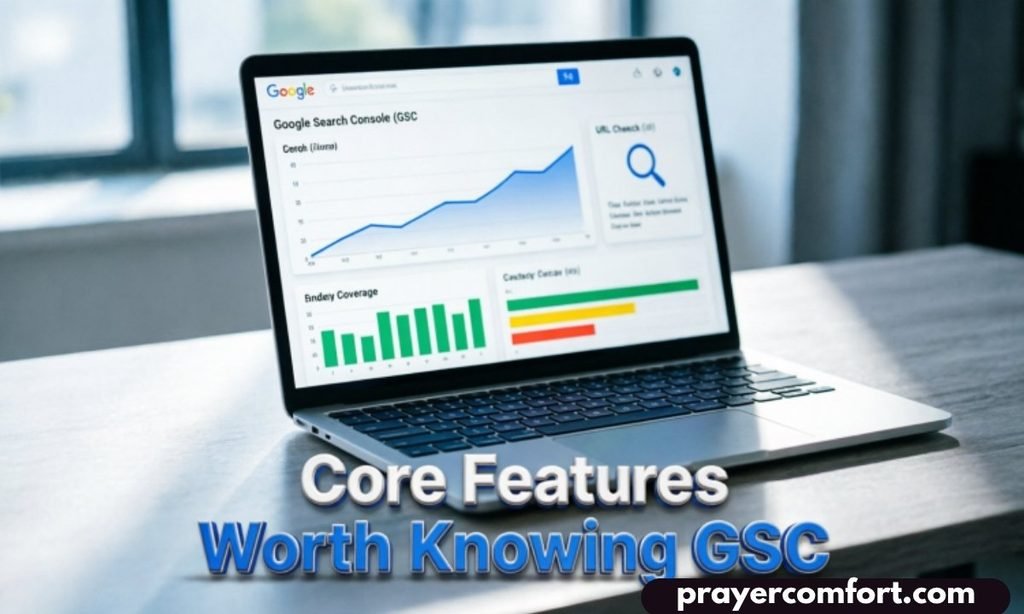
Performance Report
This is the section most people open first. It breaks down clicks, impressions, click-through rate, and average position, filterable by page, query, country, or device.
Coverage and Indexing Reports
This tells you which pages Google has indexed and which ones it skipped, along with the reason why. Common issues include duplicate content, noindex tags left on by accident, or pages blocked by robots.txt.
URL Inspection Tool
You can paste a single URL and see exactly how Googlebot views that page, whether it’s indexed, and request a recrawl if you’ve just published or updated something.
Sitemaps
You submit your XML sitemap here so Google has a direct map of your site structure instead of relying purely on internal links to discover pages.
Core Web Vitals and Mobile Usability
These sections flag loading speed problems and layout issues that affect how Google evaluates page experience, which can influence rankings.
A Common Mix-Up Worth Clearing Up
People sometimes confuse Search Console with Google Analytics, and it’s an easy mistake to make since both are free Google products used for website data.
| Feature | Google Search Console | Google Analytics |
| Main focus | Search visibility and indexing | User behavior on your site |
| Shows search queries | Yes | Limited or none |
| Shows on-site actions (clicks, time on page) | No | Yes |
| Crawl and index errors | Yes | No |
| Cost | Free | Free (paid tier available) |
They’re meant to work together, not replace each other. Search Console tells you how people found your site. Analytics tells you what they did once they arrived.
When You’d Actually Open It
You’d check Search Console when organic traffic drops unexpectedly, when you want to see which keywords are already sending visitors close to page one, or right after launching new content to confirm Google has picked it up.
It’s also the go-to spot when troubleshooting why a page won’t rank at all. Nine times out of ten, the answer is sitting in the coverage report, whether that’s a canonical tag pointing somewhere else or a page accidentally marked noindex during a site redesign.
Mistakes People Make With It
A lot of site owners set up their property once and never touch it again. That’s a missed opportunity, since the performance data updates constantly and trends shift month to month.
Another frequent error is verifying only the “www” version of a domain and ignoring the non-www version, or missing the HTTP versus HTTPS split. Google treats these as separate properties unless you set up a domain-level property, which covers all variations at once. Sites that skip this step often see incomplete data without realizing why their numbers look lower than expected.
People also tend to glance at the top-line numbers and skip the filters entirely. Segmenting by country or device frequently reveals that a page ranks well in one region and barely shows up in another, which changes how you’d approach optimizing it.
Related Terms You Might Run Into
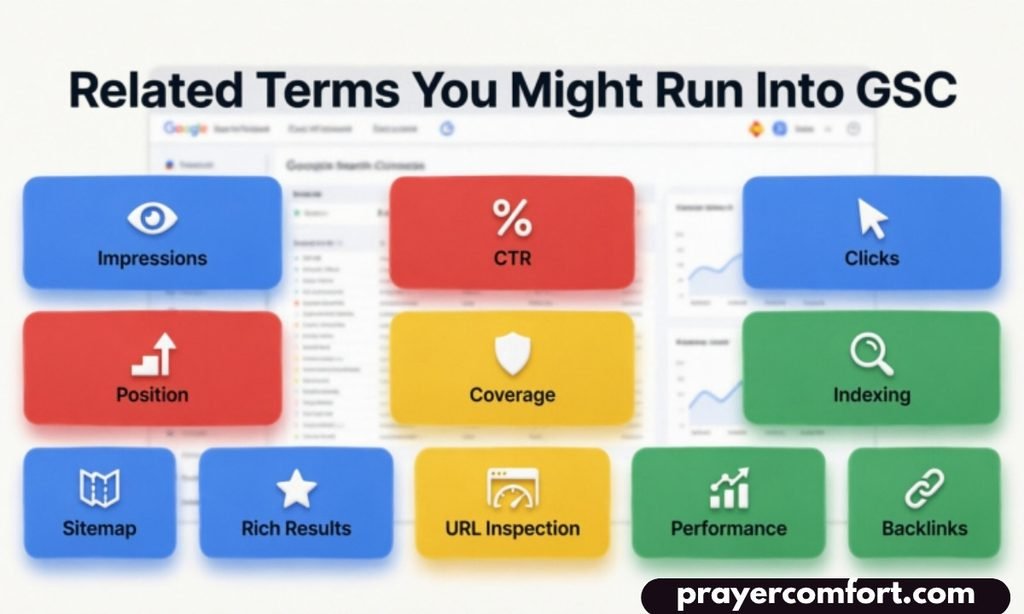
- Google Webmaster Tools – the old name for the same platform
- GA4 – Google Analytics 4, the current analytics platform that pairs with Search Console
- Crawl budget – how much of your site Googlebot will crawl in a given period
- Indexing – the process of a page being added to Google’s searchable database
- SERP – search engine results page, what your rankings actually determine
- Impressions – how many times your page appeared in search results, tracked in Search Console
- Canonical tag – an HTML element telling Google which version of a page to index
Frequently Asked Questions
Is Google Search Console the same as Google Analytics?
No. Search Console focuses on how your site appears in Google’s search results, including queries and rankings. Analytics tracks what visitors do after they land on your site. Most site owners use both together for a complete picture.
Does GSC ever stand for something other than Google Search Console?
Yes, in unrelated fields it can mean things like Georgia State College or various government and technical agency names. But in any SEO, marketing, or website analytics context, it refers to Google Search Console almost without exception.
Is Google Search Console free to use?
Yes, it’s completely free with a Google account. There’s no paid tier or premium version, which is part of why it’s considered a baseline tool for anyone managing a website’s search presence.
How long does it take for GSC to show data after setup?
Basic data usually starts appearing within 24 to 48 hours of verification, though Google notes that some reports need up to 16 months to build a full historical view for year-over-year comparisons.
Can I use Search Console without a developer’s help?
For basic verification, yes, especially if you use the HTML tag or Google Analytics method. DNS verification sometimes needs someone with access to domain settings, which may require IT or hosting support depending on your setup.
Bottom Line
If you’re working in SEO, running a blog, or managing any site that depends on search traffic, Google Search Console is a tool you’ll end up opening regularly, not just once during setup.
Understanding what GSC means is really the entry point to a much bigger habit: checking real search data instead of guessing why a page isn’t performing. Once you’re verified and the data starts flowing in, the platform becomes less about definitions and more about the daily work of keeping your site visible.


2 thoughts on “GSC Meaning Explained: Simple, Clear & Powerful 2k26”